 Feddy
Get Feddy
One post.
Then another.
Your posting streak, with a cat for company. Feddy keeps track of the days you show up and puts a little reminder on your Home Screen.
Tap the Feddy icon or widget to explore.
 Instagram
 Threads
Streak
Ideas
Leaderboard
Top posting streaks from connected creators
Your place
Streak length league · 0–20Streak length league
Teleprompter
Your words. Your camera. Your next reel.
The script appears above the camera preview, not in your saved video.
Profile
Creator accounts
Track streak from
Feddy on your Home Screen

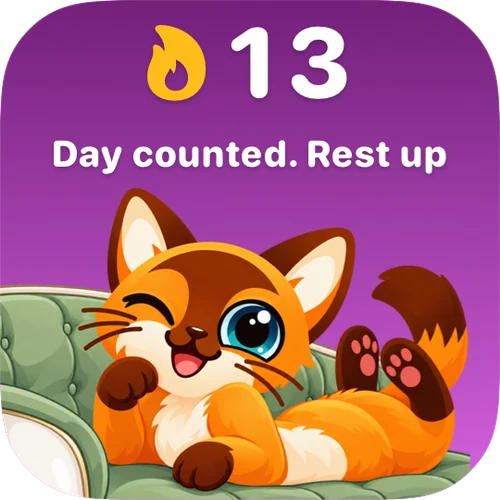

- 01
Connect the accounts you post on.
Pick your social accounts in Feddy. You still publish in the apps you already use.
- 02
See the days, not just the numbers.
Confirmed posts mark your calendar. Posting to two networks on the same day still counts as one day.
- 03
Find a starting point for tomorrow.
Use Ideas to work on a hook or a caption. Send a script to the teleprompter when you’re ready to record.
A few questions.
Is this demo connected to my accounts?
No. It uses sample days and sample ideas. You can change the widget or simulate a post without signing in. Nothing is sent to Feddy.
Does Feddy post on my behalf?
No. Publish as usual on your connected accounts. Feddy checks for confirmed posts to update your streak.
What if I miss a day?
An available freeze can protect a streak for a missed day. It doesn’t turn that day into a posting day. If your streak ends, your next post starts a new one.
How do I add the widget?
Touch and hold your iPhone Home Screen, open the widget gallery and search for Feddy. There’s also a step-by-step guide in the app’s widget settings.
Something else? Visit support ↗
See you tomorrow.

 Scan with
your iPhone